Video coming soon
How do I design my booth in 3 minutes?Size → location → purpose → logo. The whole guided start, end to end.
Pick a size, upload your logo, choose what you'll do at the show. BoothDesign builds a real 3D booth you can walk around, share as a link, or send to a builder for a quote.
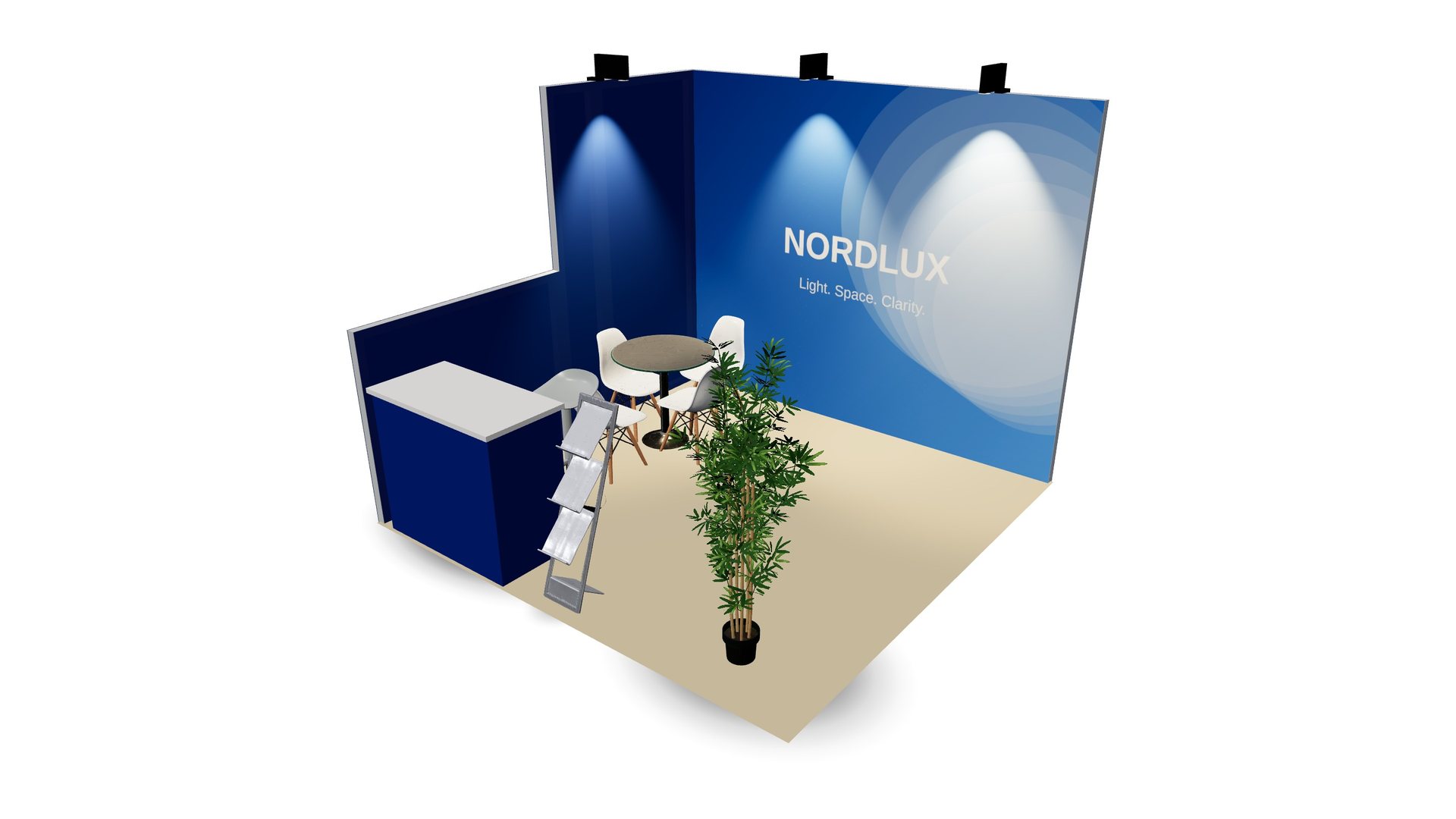 Made in BoothDesign · Osprey · 10×10 ft corner booth
The guided start asks only what matters. Everything stays editable afterwards.
10×10, 10×20, 20×20, 20×30 or a custom footprint, in ft or m. Pick the wall height your show allows.
Inline, corner, peninsula or island. Your walls adapt — no wall where your neighbour isn't.
Show products, meet clients, host a bar or run demos. The right counters, displays and lights are placed for you.
Upload your logo, pick two colours. It lands on the walls and the desk. Then walk around it in 3D.
True dimensions, modular panels, real furniture and lighting. Orbit, zoom, look at it from the aisle.
Send one link to your team or your boss. See how many people opened it.
Scan a QR code and place the booth at real size on your office floor.
Download a high-resolution image for approvals, budgets and the sales team.
Send the design to a booth builder with one click. Real quote, real builder, no guesswork.
Advanced mode opens every panel: hanging signs, lightboxes, LED walls, shelving, floors, lighting.
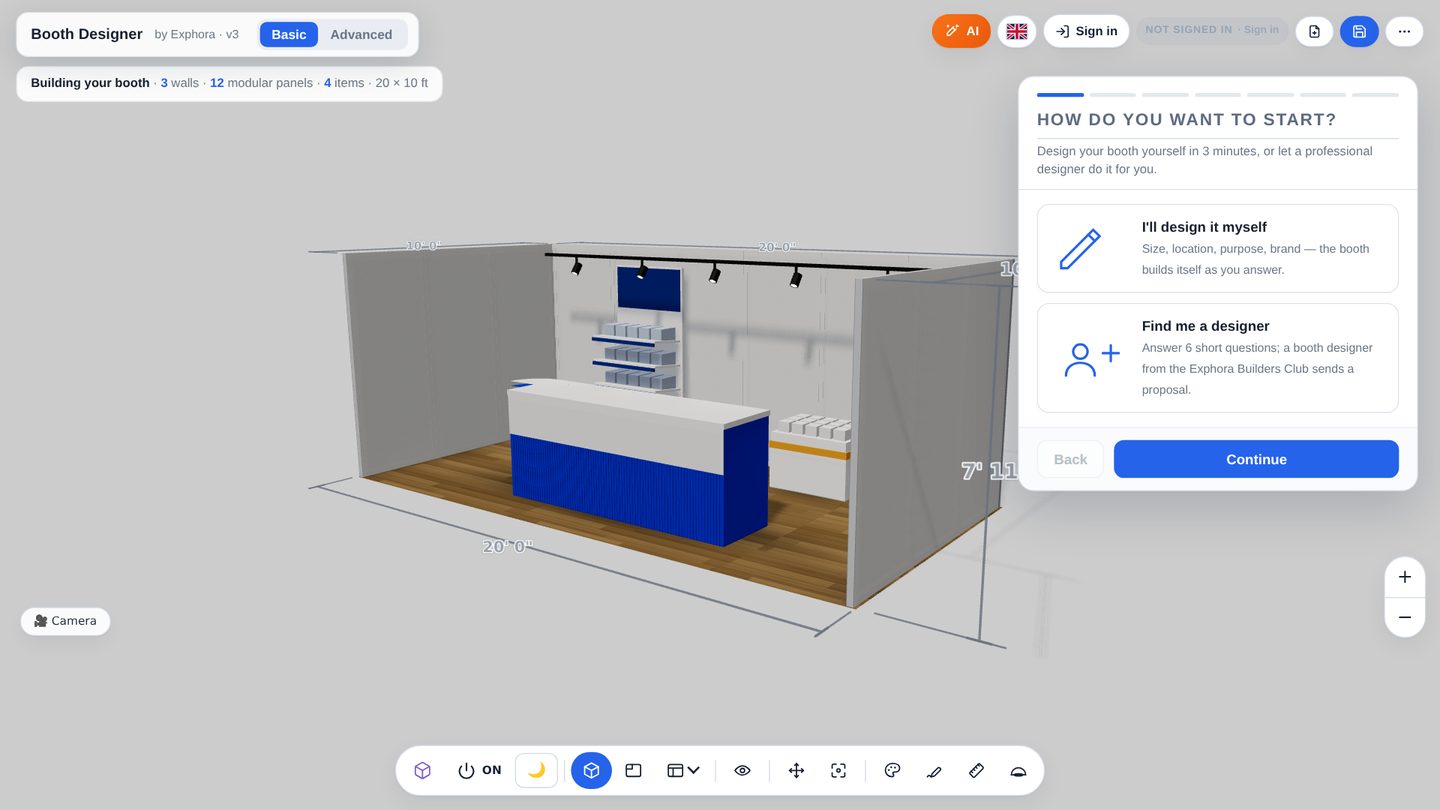
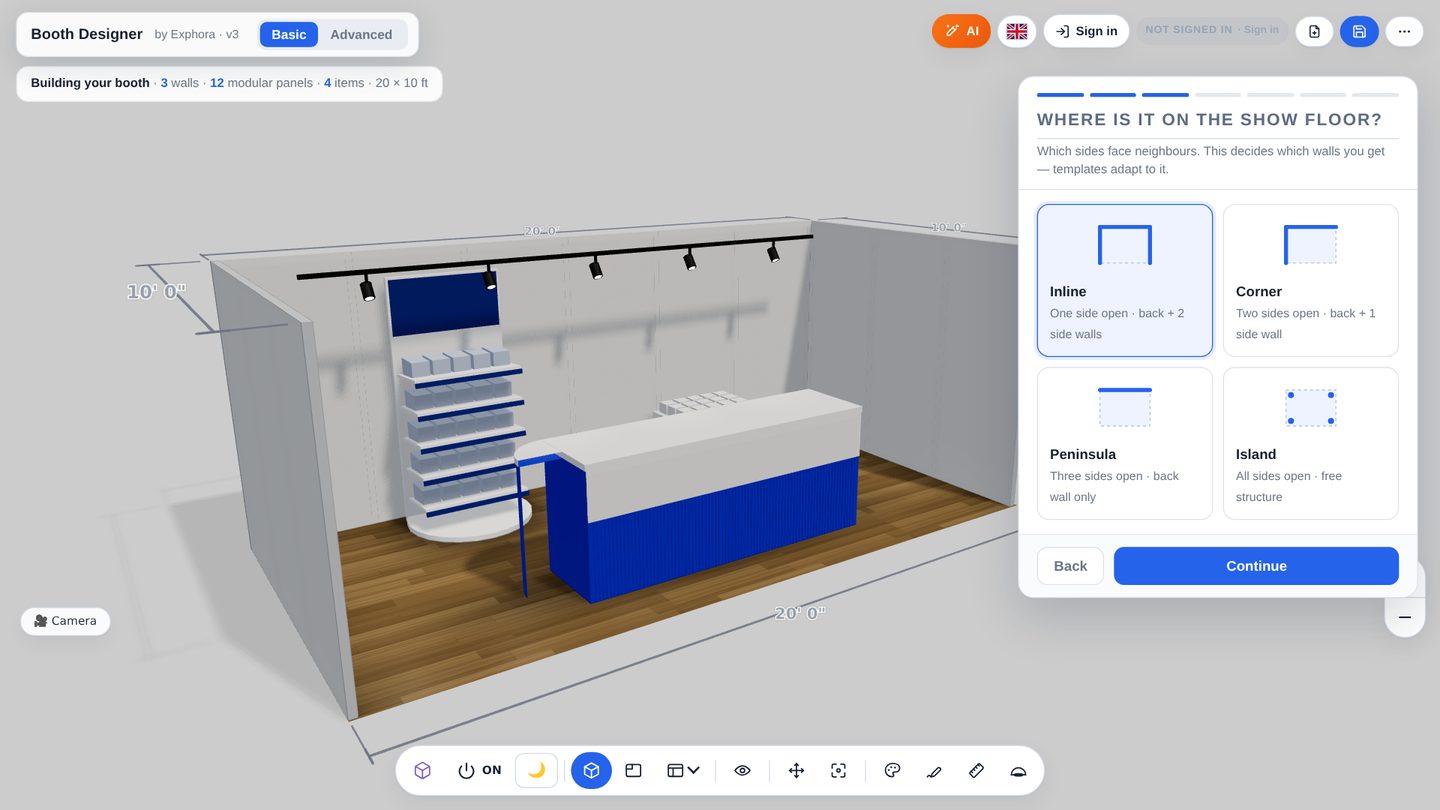
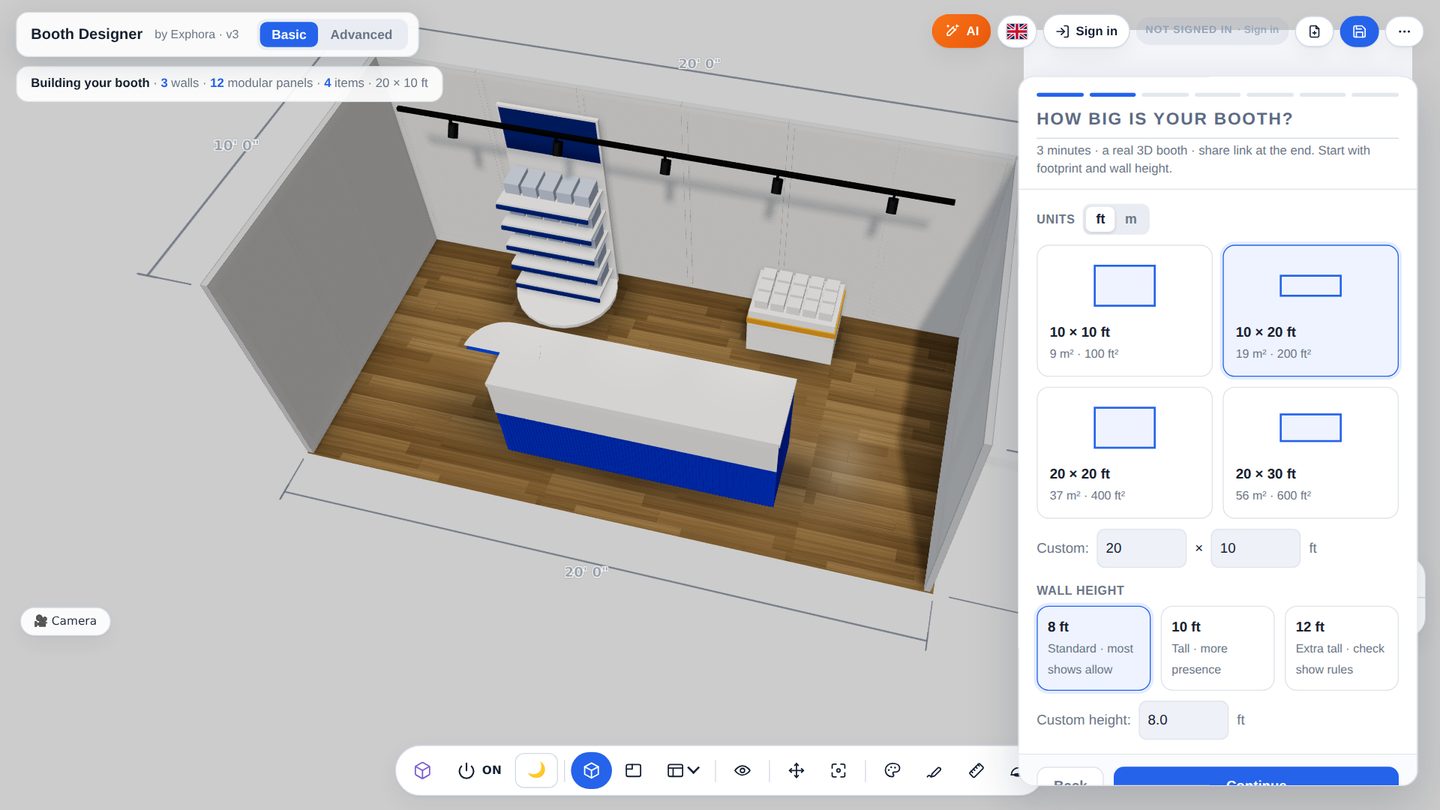
BoothDesign is a free, browser-based 3D designer for exhibition stands and trade-show booths. An exhibitor answers four questions — booth size, position on the show floor, what the booth is for, and brand logo and colours — and gets a real 3D booth built from modular wall systems, counters, displays, screens and lighting. The booth can be viewed from any angle, placed at real size in augmented reality on a phone, exported as an image, 360° video or 3D file, shared as a link, and sent to a booth builder for a quote or proposal PDF. Nothing is installed; it works in Chrome, Safari, Edge and Firefox on desktop, and for viewing and AR on iPhone and Android.
It is made for exhibitors — marketing and event managers who need to see and approve their stand quickly — and used by booth builders in the Exphora Builders Club, who receive quote requests with the full design attached. Advanced mode exposes the underlying modular systems (Aluvision, beMatrix, Octanorm, Maxima), panel layouts, bill of materials and artwork print lists for production.
Short screen recordings, one question each. "How do I add a hanging sign?" — 45 seconds, done. 25 questions, from first click to builder quote.
BoothDesign is a free, browser-based 3D designer for exhibition stands and trade-show booths. You answer four questions — size, position on the show floor, purpose, logo and colours — and get a real 3D booth you can view from any angle, place in AR at real size, export, share as a link or send to a booth builder for a quote.
Yes. Designing, sharing and downloading images are free. You sign in with your email only when you want to save a design or share a link.
Only people you send the link to. If you ask for a quote, the builder you choose receives the design. Designs are not sold.
The booth is made of real modular systems (panels, frames, counters) with true dimensions, so a builder can price it from the design. Final engineering is confirmed by the builder.
Viewing, sharing and AR work on phones. For designing, a laptop or tablet is more comfortable.
Join the Exphora Builders Club at exphora.com. Quote requests arrive with the full design attached.
Exhibitors design here and ask for quotes. Builders in the Exphora Builders Club receive those requests with the full design attached — panels, items, dimensions. Your logo can also appear inside the designer.
No download, no credit card. Sign in only when you want to save or share.
Start designing — it's free